|
NEW ( MD17 ) - Quick Access toolbar |
 NEW (MD17) Quick Access menu for frequently-used commands |
|

 Menu bar and/or Toolbars
New options in MD17+:
You can choose to show :
•Menu bar only (MD17 style) - with each command given an icon and short hint in a pseudo ribbon
OR
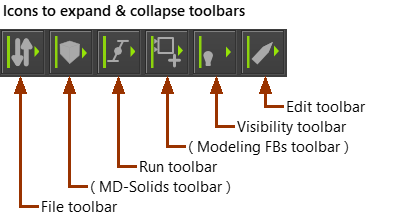
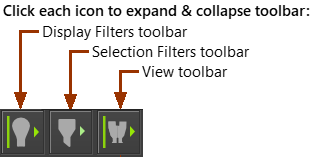
•Toolbars only (MD16 style) - an icon for each command in a toolbar that you can expand and collapse
OR
•Menu bar AND Toolbars
See Application-Settings > Accessibility tab
 Menu bar

Menu bar and File commands
If you show the menu bar,
•the commands in File, Edit, Filters, View, Internet, and Help are common to most CAD applications.
•the commands in Function-Blocks, Mechanisms, Geometry, Forces, MD-Solids, Visibility, Run, Dynamics are those that you use to build your MechDesigner model.
•the menus that are available are a function of the active editor-type.
General toolbars
If you show toolbars:
•the General toolbars are directly above and below the graphics-area.
•the toolbars are collapsed when you start MechDesigner.